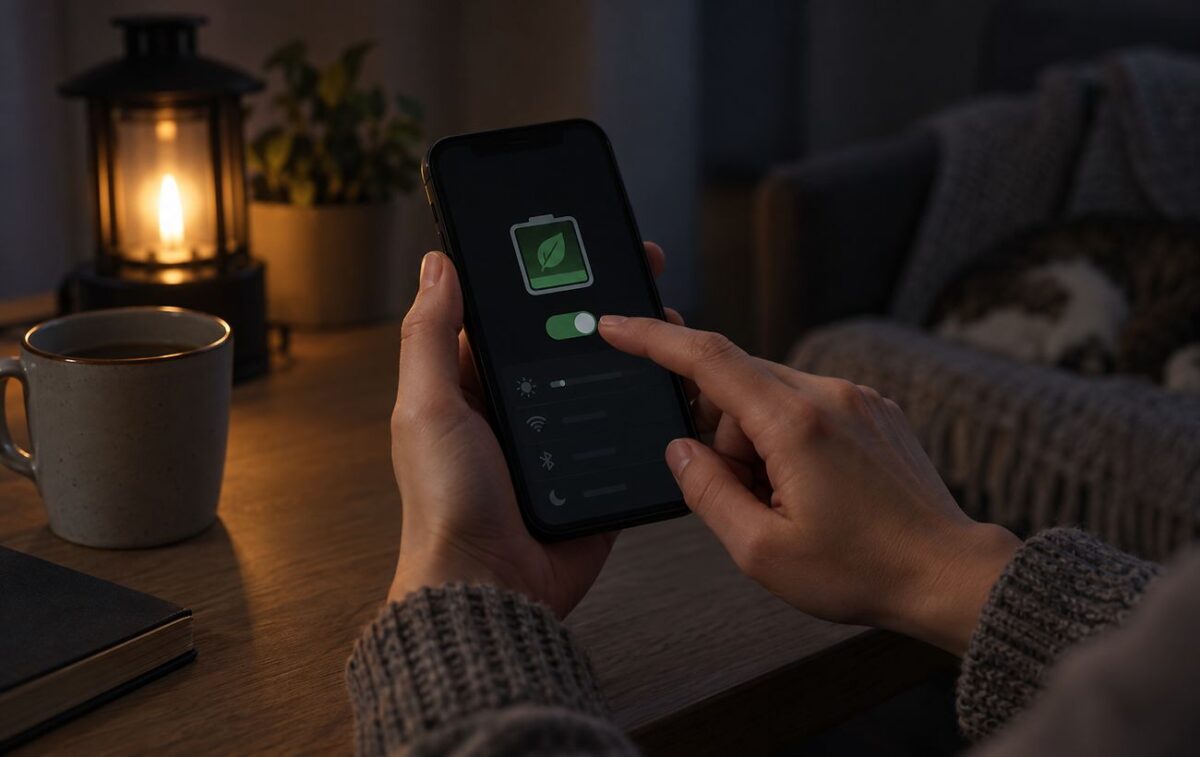
Reducing screen brightness and limiting background activity prolongs battery life
During prolonged power outages, mobile devices running Android and iOS require timely setting optimization to extend battery life. Basic system adjustments help conserve battery resources for communication and receiving critical alerts. Major energy consumers include the display, background app processes, and constant cellular network searching. This was reported by RBC-Ukraine (Юлія Шиканова) citing Apple, according to the portal PromPolitInform.
The display remains the primary consumer of battery energy. Manufacturers recommend lowering brightness to a comfortable minimum and shortening the screen timeout interval. For devices with AMOLED displays, enabling dark mode and disabling Always On Display are effective energy-saving measures.
A significant amount of power is consumed by background data synchronization in applications, instant messengers, and email clients. Enabling low power mode automatically restricts these operations. On iPhone devices, this mode turns off automatically once the battery charge reaches 80% while connected to power.
Network connections and location services
In areas with poor coverage, the cellular module operates at maximum power to maintain a connection. When stable Wi-Fi is available, using it instead of mobile data is preferable. Temporarily switching from 5G to LTE can also reduce power consumption if the 5G signal is weak.
GPS navigation, long-term mapping, and tethering place heavy loads on both the processor and battery. To save energy, experts advise downloading maps for offline access in advance and restricting location permissions for non-essential applications.
Notifications and system haptics
Additional battery strain comes from streaming media, resource-intensive mobile games, system sound effects, and keyboard haptics. Before power cuts, users should download required files directly to local storage and lower video playback resolution.
Turning off tactile feedback and non-essential notifications helps minimize power consumption. However, emergency alerts and vital messaging applications should remain enabled for safety reasons.
Photo: RBC-Ukraine
Read also: Moya Podatkova mobile app provides access to State Tax Service services